
Fiber outage: this is how you can check if it is your provider or Open Dutch Fiber
Whether you're working from home or just ready to stream something ... an outage always comes at a bad time. Then you just want to know one thing: should you call your provider or is it the fiber network? We asked Jeroen Dangremond, Manager Customer Operations at Open Dutch Fiber. He sees daily where outages occur and explains how you can quickly discover who's responsible.
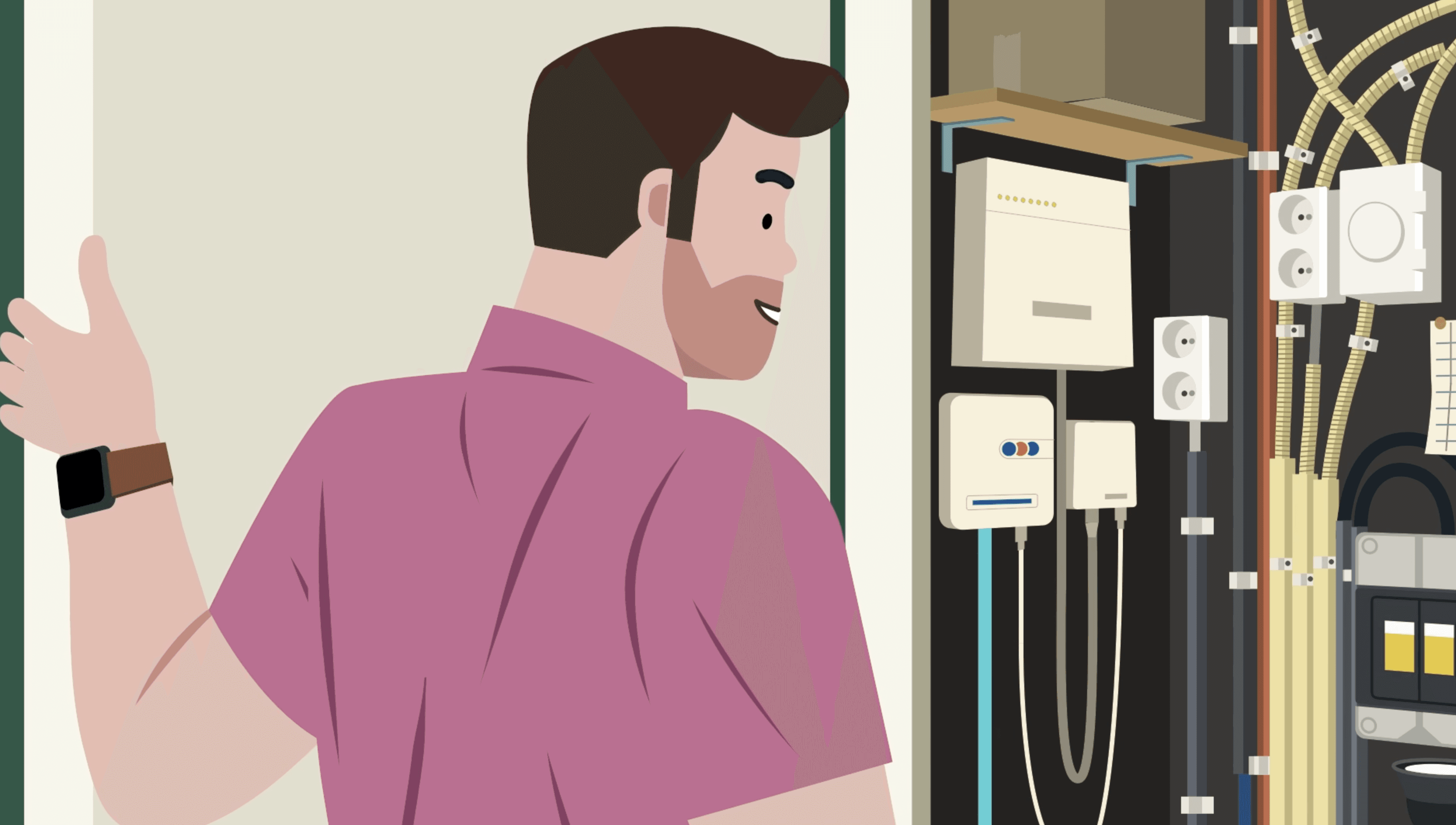 Where can a fiber outage occur?
If your internet goes out, it can have various causes. The outage can occur in your home, with your provider, or in the fiber network itself. In most cases, the cause is close to home or with your provider's services. Therefore, it's always smart to start there. Jeroen explains why: "The provider is the first to see what happens. They have direct insights into the equipment at home and in their own systems."
Your provider can quickly check if the problem is related to your modem, your Wi-Fi, or the settings at home. They also immediately see if there is an issue in their own services, such as internet or TV. Only when it's clear that the problem isn't there, the provider brings in Open Dutch Fiber to check the network.
Also read the article: How is fiber cable installed in the garden? An expert explains
Common causes of fiber outages
Most fiber outages ultimately have a simple cause. It often involves something small that has a big impact. Jeroen: "A connection can fail due to something seemingly small. A loose cable or a modem that crashes is sometimes enough."
Many outages occur at home, for example due to equipment that is moved, accidentally turned off, or crashes after an update. Wi-Fi settings can also temporarily cause problems. Additionally, outages occur in the provider's systems themselves, for example during maintenance. "Providers immediately see if something goes wrong on their end. Such outages are often resolved faster than people expect," says Jeroen.
In a smaller number of cases, the cause lies outside the home. There is usually damage to the fiber cable, for example, due to work in the street or garden. "If a cable is hit, the connection immediately drops. That's when we take action," Jeroen explains.
When does your provider call in Open Dutch Fiber?
If the provider sees that the outage is not at home and not in their own systems, then it is likely that the problem is in the fiber network. This sometimes happens due to damage outside the home, for example during excavation work. Jeroen sees that regularly: “The cable can be hit during work in the street or in the garden. Then the connection stops immediately.”
From that moment, the provider forwards the report to ODF. ODF then investigates where the cable is damaged and comes to fix it. This often goes quickly, because fiber doesn't always need to be replaced. As Jeroen says: “You can just splice fiber back together. Once the light can pass through, the connection works again.”
Who pays for the repair in a fiber outage?
Good news: almost all repairs are free. Only when the damage is really caused by the resident themselves, costs may follow. This happens for example if someone accidentally hits the cable while gardening. Jeroen says about that: “Only in case of damage caused by the resident themselves do we charge costs. But that rarely happens.”
Also read the article: Fiber repair: when does your provider help and when Open Dutch Fiber?
What to do in case of a fiber outage?
In case of a fiber outage, you can always follow the same step-by-step plan:
Call your provider.
Your provider checks the connection at home.
Do they see that the problem is not at home? Then they call in Open Dutch Fiber.
ODF investigates and repairs the cable or the network.
Jeroen briefly summarizes: “Always first report to your provider. If they don't solve it, we come into the picture.”
Discover your provider options
Do you want to know which providers can connect your home? On our provider page you can see it in a few seconds. Enter your address and you will immediately get a clear overview of all providers at your address. You see what speeds they offer, what the packages cost and what extras are included. This way you can calmly compare and easily choose the internet that suits your household and your budget.
Over Jeroen Dangremond
Manager Customer Operations
This article was written in collaboration with Jeroen Dangremond. Jeroen is the customer operations manager at Open Dutch Fiber. He ensures that the connection of homes runs smoothly, with minimal inconvenience to residents. His goal: a quick and careful installation of fiber, so that everyone can enjoy a seamless online experience.

Bekijk ook deze artikelen!
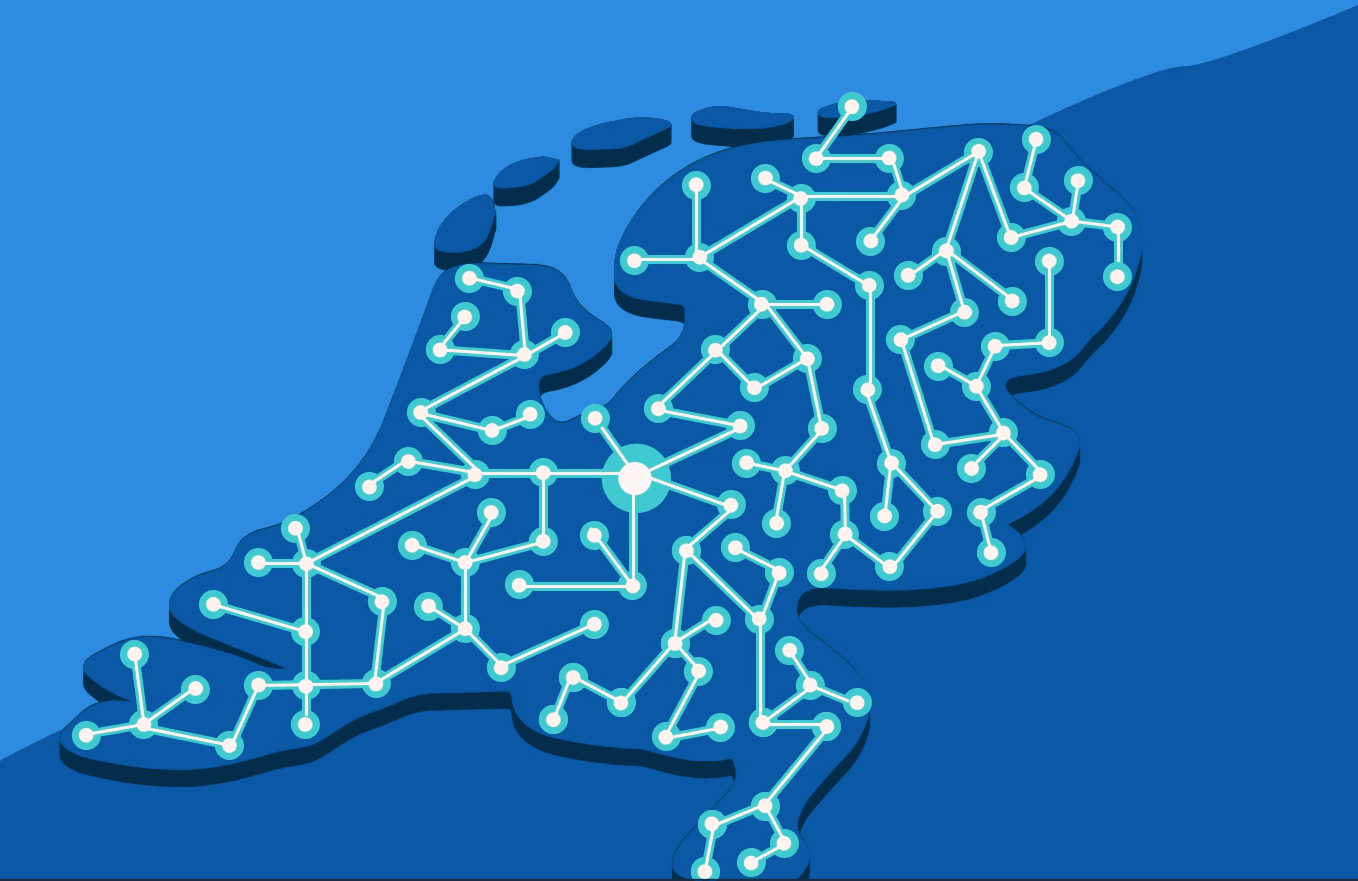
What does a network administrator of the fiber network do? The difference with an internet provider
If you get fiber, two names suddenly come up: the network operator and the internet provider. Handy, but sometimes also confusing. Who does what? And why are two parties involved in the fiber network? We asked Jeroen Dangremond, Manager Customer Operations at Open Dutch Fiber. He explains step by step how the fiber network works and how the tasks are precisely divided.
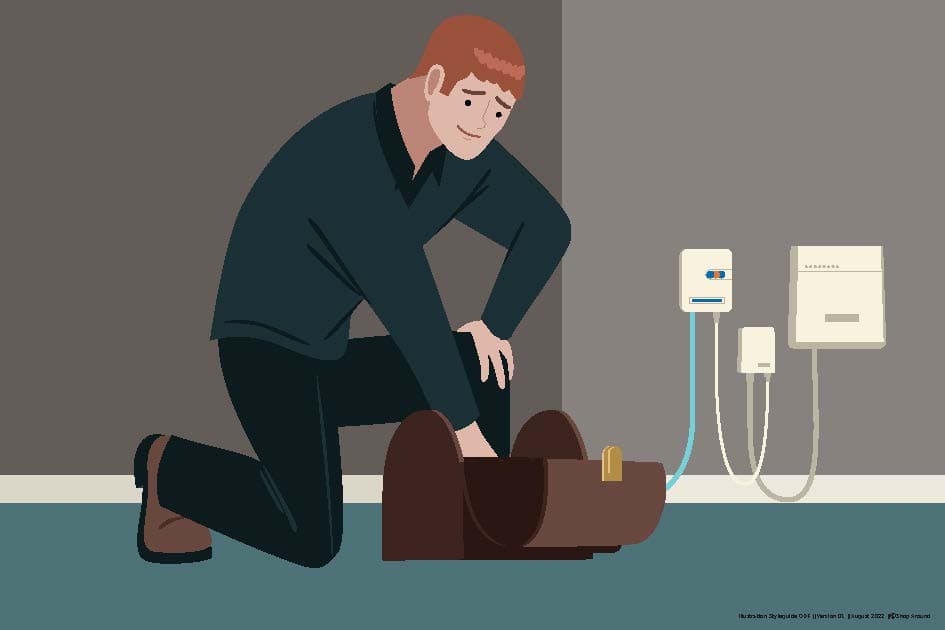
Fiber repair: when does your provider help and when does Open Dutch Fiber?
Are you in the middle of an important video call and your internet suddenly drops? Then you want to quickly know where the problem is and who should fix it. Is it your provider or the network administrator? With fiber, that makes a difference. That's why we asked Jeroen Dangremond, Manager Customer Operations at Open Dutch Fiber, to explain when ODF takes action and how fiber repair works.