
Fiber rollout in The Netherlands: where is our network
We are working hard to connect the Netherlands to fiber. With over one million homes already connected, we are building the network of the future step by step. Use the map below to see in which municipalities we are currently active, and use your postal code to check the status at your address.
Where are we planning to install our fiber network?
Use the interactive map to get more information about the construction status in your area.
Discover on which locations we are rolling out our fiber network.
In your neighbourhood to answer all your questions
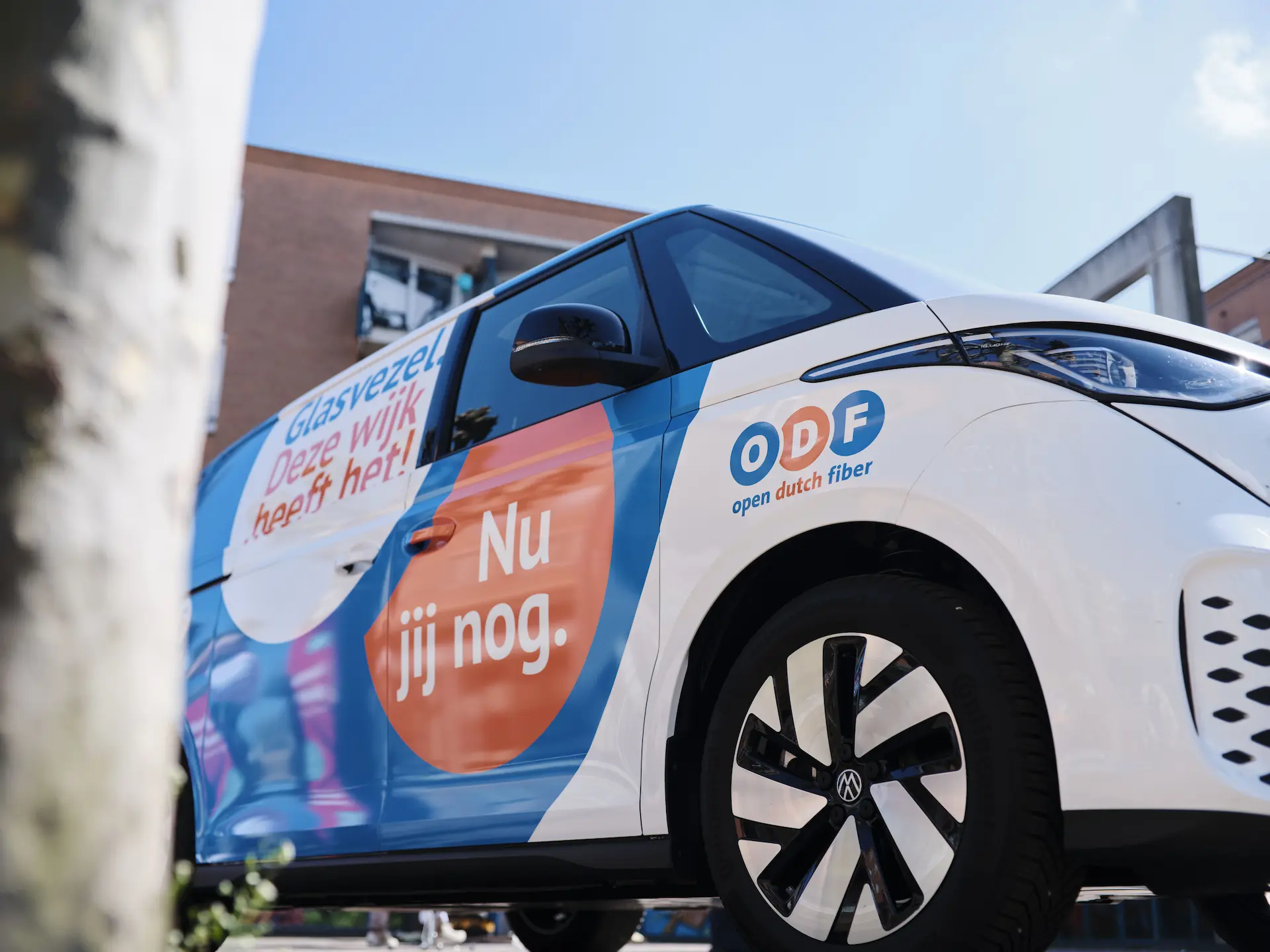
We don’t just install a lightning-fast network. We’re also right there in your neighborhood. You’ll recognize us by our distinctive orange and blue colors.
Stop by for advice
Do you have questions about the installation, or do you want to know how to switch to fiber? Our advisors are ready to explain everything to you. In Amsterdam, you can find us at our temporary store at Kinkerstraat 227. In other cities, you can visit our service bus. We’ll take the time to make sure you understand exactly what fiber can do for you.
Check out the locations in your region
Click on your city to see where we’re currently in the area and where you can find our advisors:
Compare all providers
Choose the provider that suits you. Multiple providers are available on our fiber network, so you can always choose a subscription that matches your preferences.
Check which providers are available at your address, compare the options and choose the package that suits you. Don't have a fiber connection yet? Then we will install it for free as soon as you take out a subscription.
This is how fiber installation works
Fiber installation involves a few clear steps. This way, you’ll know exactly what to expect, from the work on the street to the connection in your home.
1. Choose a provider
The fiber is already at your front door. You can now choose a provider and the package that suits you best. Use our online comparison tool to easily compare all providers on our open network.

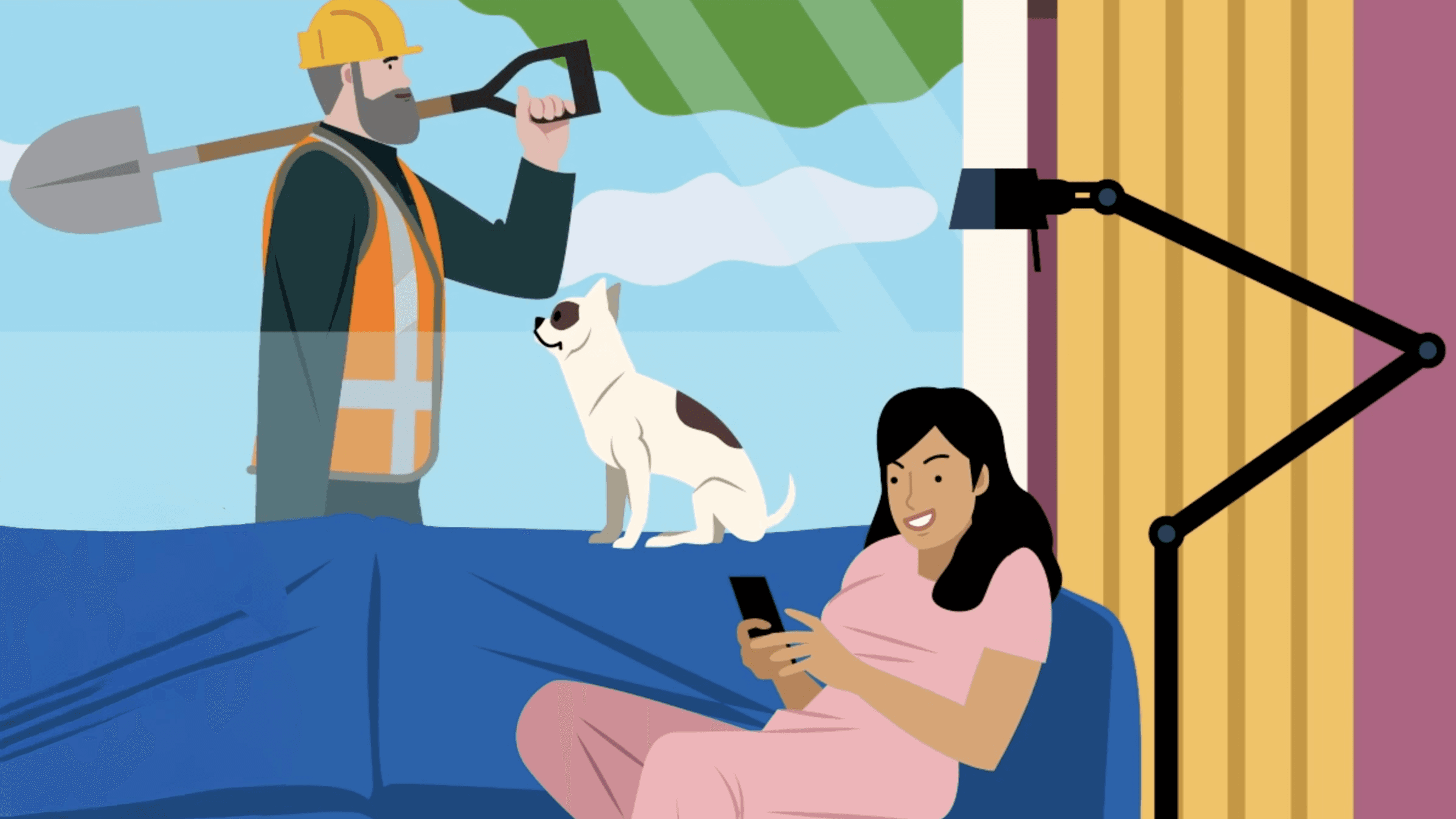
2. From the street to your home
We bring the fiber from the street to your home. Together we discuss where the fiber cable enters the house. We work neatly, we leave everything clean and tidy. Do you already have a fiber connection point in your home? Then this step is already finished.
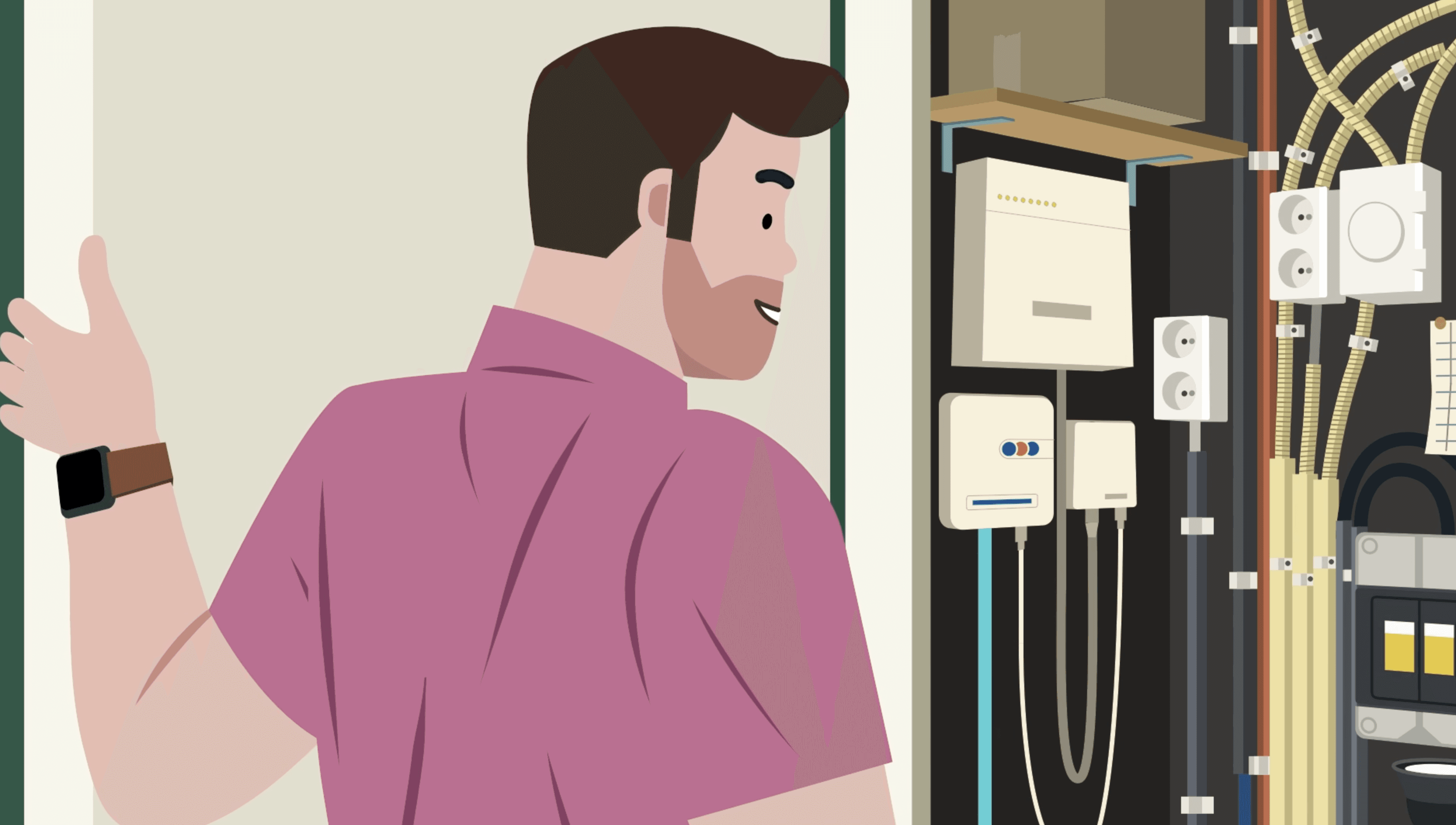
3. Fiber connection point in your home
We place the connection point in a location we agree on together. Usually this is in the meter cupboard. If this is not possible, we look for another suitable place in the house together. This way we ensure a neat installation that fits your home.
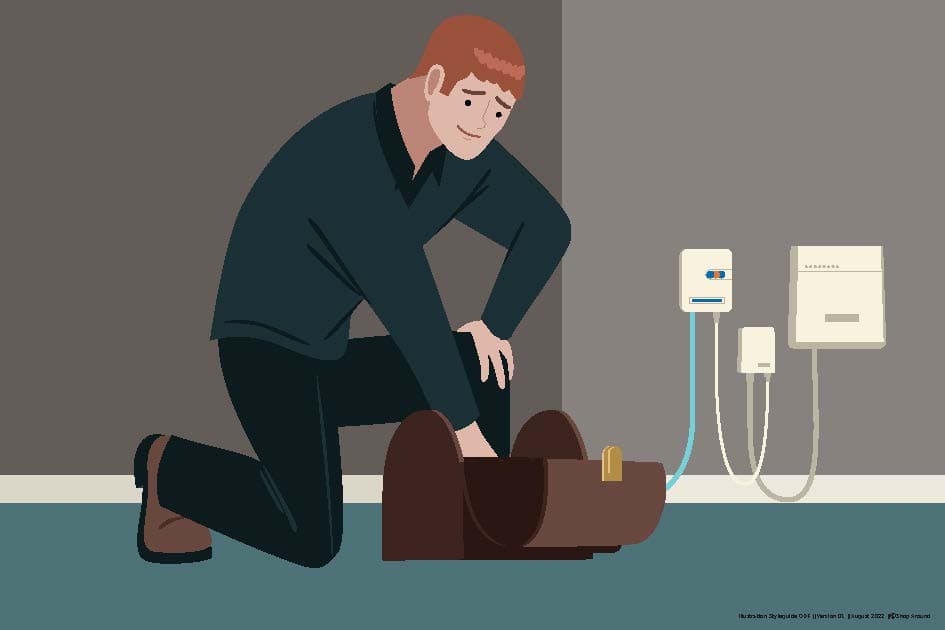
4. Installation by the technician
Your provider makes an appointment for the installation. The technician activates the connection, installs the modem and helps you with extra equipment like wifi points or tv receivers.
5. Enjoy high speed internet
Your connection works as soon as the installation is finished. You now have access to fast and stable internet via our network.
Frequently asked questions about fiber installation
Bekijk hier alle veelgestelde vragen over glasvezel aanleg
No fiber at your address yet? Check when fiber will be installed in your street. If the network is already there, you can see that directly in the postcode check.
During the work in the street and in the public areas of your complex, you do not need to be at home. For the installation of the fiber optic connection point in your home, you will first be contacted to schedule an appointment. Then it is necessary to be at home. Alternatively, ensure that another authorized adult is present.
The street or sidewalk is usually neatly closed again within one working day. We do our utmost to minimize the inconvenience.
In most cases, when installing fiber optic cable in your garden, there is no digging in your garden. The fiber optic cable is drilled underground from the property line to your home. A hole is made at the facade of your home, the size of a paving stone, where the fiber optic cable emerges above ground. The cable then protrudes a small distance from the ground. This is temporary.
Yes, you will receive a free connection to our fiber network as soon as you take out a subscription with one of the providers. We will ensure that the connection reaches all the way into your home. For addresses outside the village or city center or at a large distance from the street, a contribution is sometimes requested. Check this via the postcode check on our website.
Read more about this in the article: What does fiber cost?
With fiber via Open Dutch Fiber, you are choosing the new standard. The biggest advantage is the stability and consistent upload and download speeds. Whereas older connections often slow down when the whole neighborhood is online, fiber always remain just as fast. What's more, our network is ‘open’, which means you can choose the provider that best suits your budget and needs.
The cost of a fiber subscription depends entirely on your personal preferences, such as your desired internet speed and whether you choose additional options like TV or landline telephony. Because Open Dutch Fiber is an open network, you have the freedom to choose from various providers, each with their own competitive rates and promotions.
Want to know immediately what the options are for your address? Use our package comparison tool to compare all providers and speeds. Are you specifically looking for the best deals right now? Then check out our current fiber offers and save immediately on your monthly costs.
Can't find your question here? Please contact us. Our team will be happy to assist you.

Do the postcode check
Want to know if our network is already available on your street? Enter your postcode to see right away if your home is ready for a connection.